

Branding Tour 1
Your consent is required to display this content from youtube - Privacy Settings
The Branding Tour
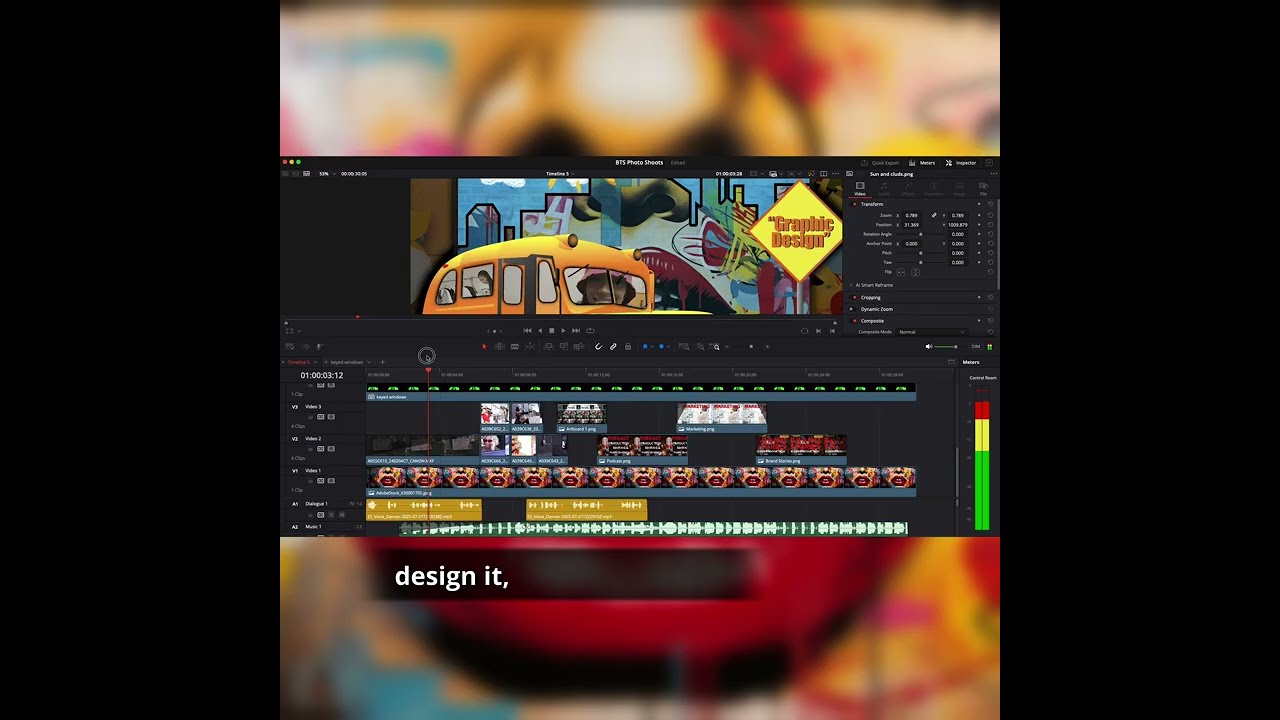
How to Create Eye-Catching Reels Using Adobe Illustrator and DaVinci Resolve In this video, I walk you through the complete creative process of building a social media reel — starting in Adobe Illustrator to design a compelling graphic, and then bringing that graphic to life in DaVinci Resolve 20 for Instagram and Facebook. ✅ What you’ll learn in this video: How to design social media graphics in Adobe Illustrator Best practices for layout, color, and typography for branding How to import and animate designs in DaVinci Resolve Editing techniques to create professional-looking reels How to optimize video content for Instagram Reels and Facebook posts Whether you’re a graphic designer, content creator, marketing professional, or small business owner, this breakdown will help you create scroll-stopping visual content that drives engagement and grows your brand online. 📌 Want the full toolkit or custom-branded visuals? Reach out or visit: https://f5enterprises.com 🧰 Tools Used: Adobe Illustrator 2025 DaVinci Resolve 20 Music: Epidemic Sound Sign up to use Epidemic Sound with the link below! https://www.epidemicsound.com/referra… Camera: Canon 5D IV Camera: Canon 300 II Lens: 24x70mm 2.8 Alien Bee B800 lights Tascam Mix4 for voiceover recording Audio-Technica AT2040 Hypercardioid Dynamic Podcast Microphone 📲 Let me know in the comments: Which part of the process do you want a deeper tutorial on? 👇 Don’t forget to like, comment, and subscribe if this helped you level up your content game! #AdobeIllustrator #DaVinciResolve #GraphicDesign #ContentCreation #SocialMediaMarketing #TheBrandingTour #ReelDesign #MotionGraphics #VideoEditingTutorial #InstagramReels #BrandingTips #F5Enterprises #CreativeMarketing